Monitors all major AI platforms
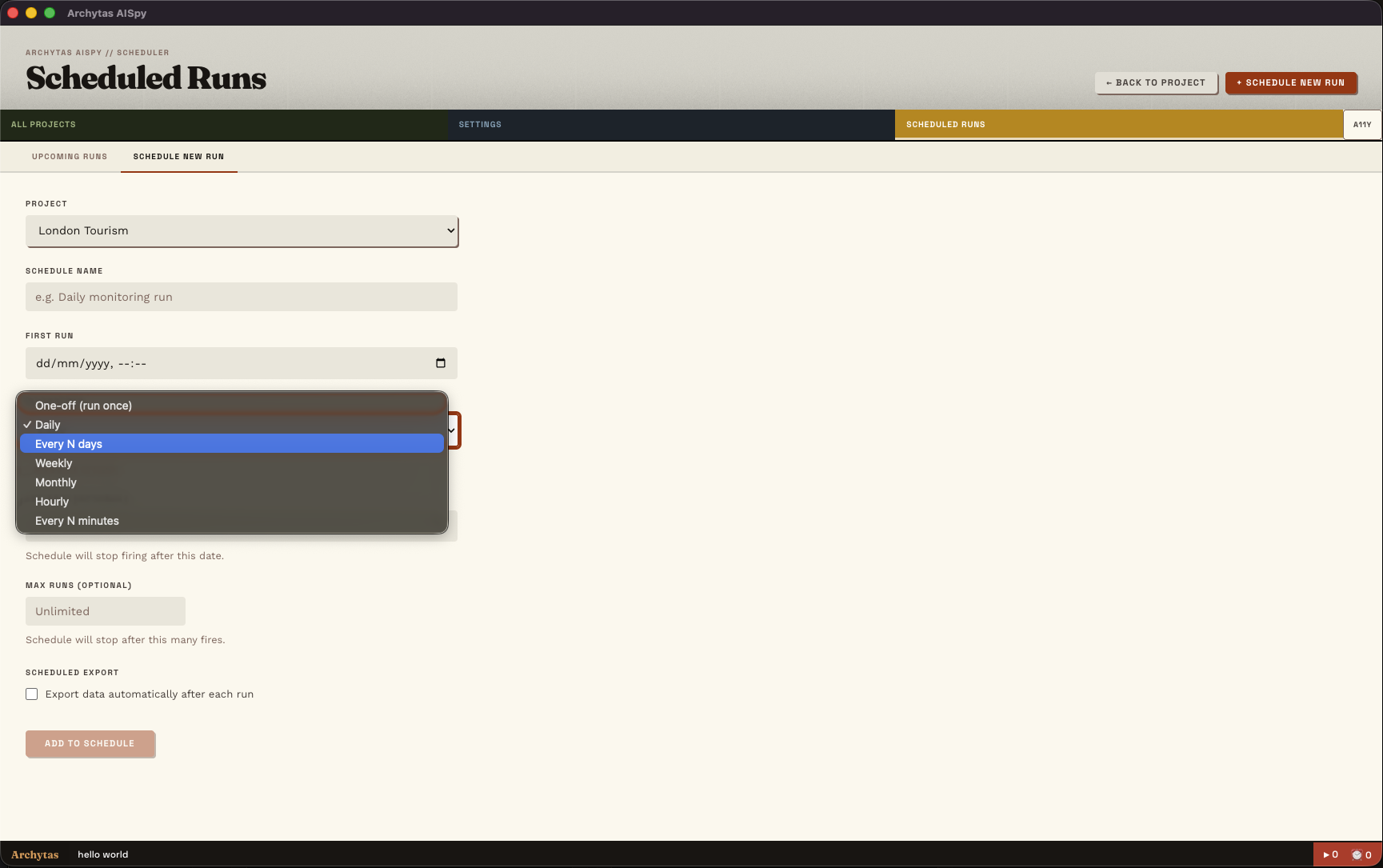
Archytas AISpy can be set to track LLM Visibility on a Minute by Minute, Hourly, Daily, Weekly or Monthly schedule, and can automatically export the datapoints you want to CSV or Excel.
Archytas AISpy is built on top of a standard SQLite database. For those looking to integrate into a larger data pipeline, you can query it directly - writing your own reports, building custom aggregations with other data sources, or simply surfacing the data in your BI platform of choice.
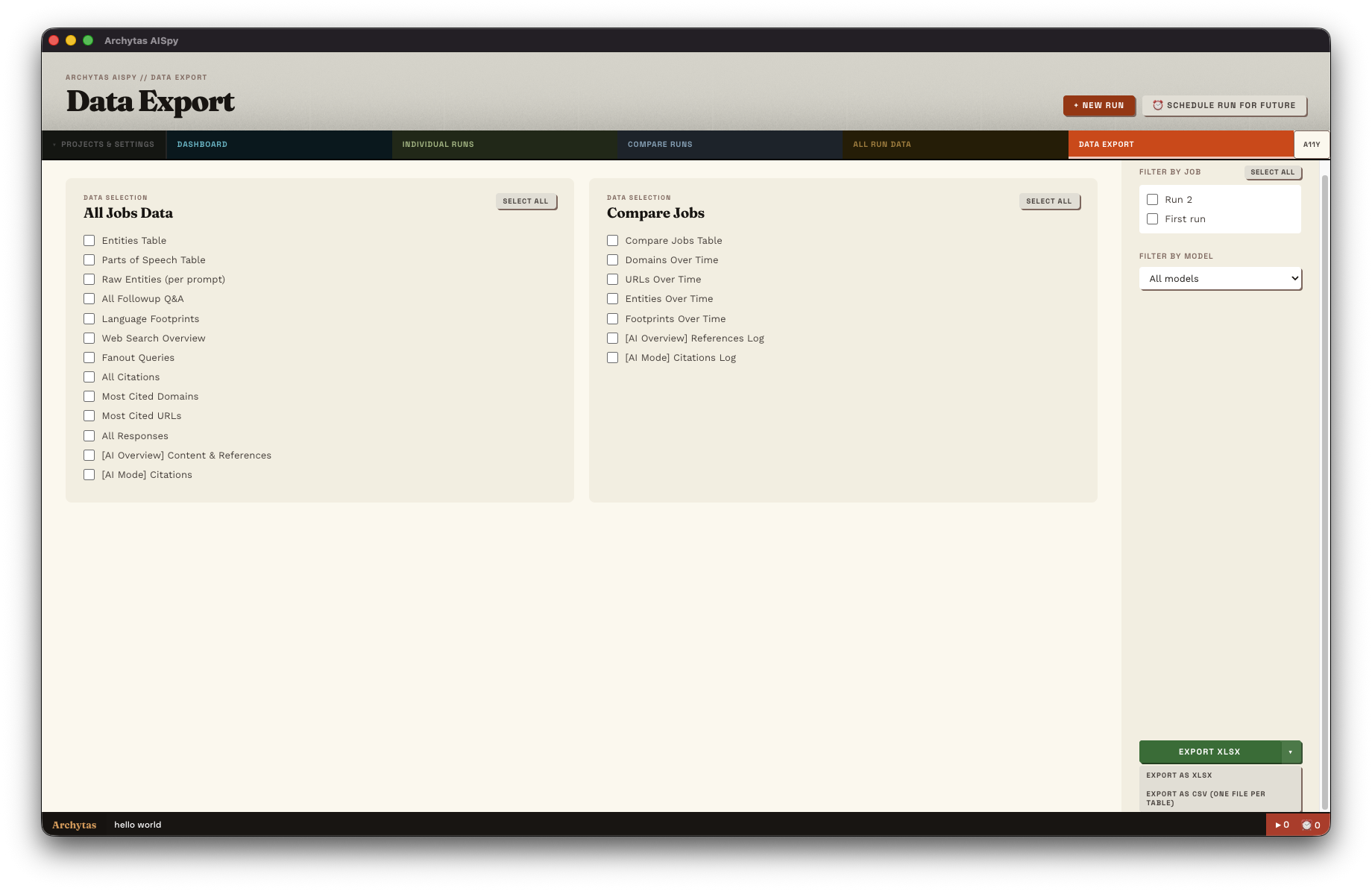
For more one-off analysis pieces and where the built-in reports don't quite fit your needs, you can do spot-customizable exports of any of the data contained in Archytas AISpy straight into CSV or a combined XLSX workbook. And yes, you can just copy/paste into Excel as well.
AI Visibility Data Export and Database Integration on Mac, PC and Linux
Everything in AISpy can be exported, either to CSV or Excel.
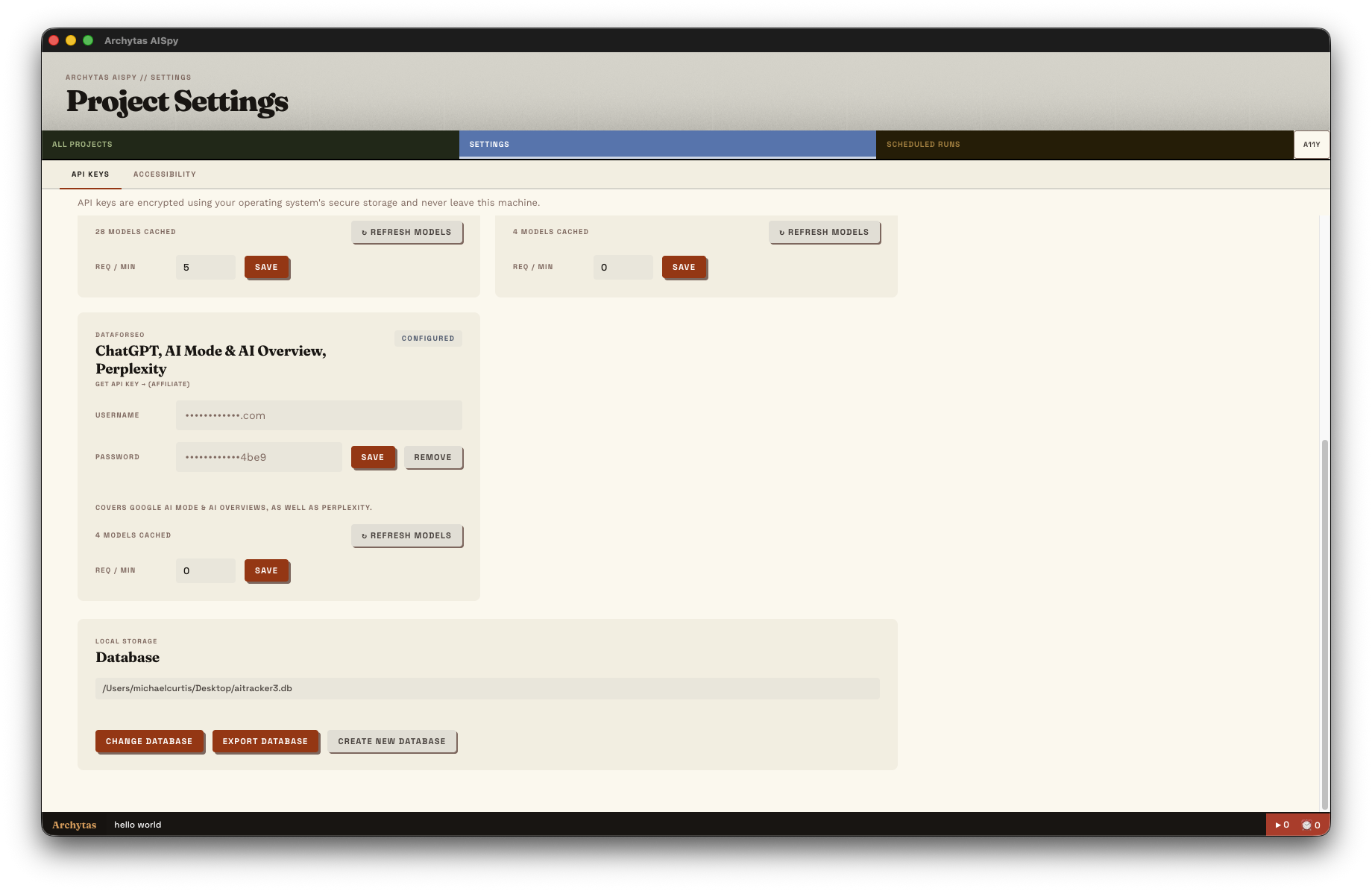
AISpy uses a standard SQlite database, which can be connected directly to, and exported for backup/transferring to other machines.
As part of the scheduler, automatically export data on completion for integration into your wider reporting pipeline
Automate exports on any cadence - daily, weekly, monthly - to keep your reporting pipeline fresh without manual work.
Connect the underlying SQLite database directly to Looker, Power BI, Tableau or your data warehouse for live dashboards.
Query the database directly for bespoke analysis and integration. The schema is clean and well-documented.
Yes. Either via the CSV exports, or by hooking up to the underlying SQLite database. So long as your BI tool can injest one of those formats, you can use AISpy as part of your LLM Analytics visualisation pipeline. (For lighter weight Looker Studio integration, we do have Google Sheet integration in the roadmap. Stay tuned!)
We're afraid not. AISpy is intended as a GUI app first and foremost. However, for those looking for a server based solution, that is the main reason we maintain a Linux version.
Excel (.xlsx) and CSV. The dashboards can also be exported as a PDF.
Yes. For scheduled runs, you can configure them to automatically export after they have completed. We envisaged that being useful for ingesting data into a wider reporting pipeline, such as incorporating with SEO data for a wider SEO/AI combined dashboard.
The location of your SQLite database can be found in the settings view. You can change its location, as well as export/import database dumps for backup purposes. There's no encryption - you can hook directly into it and build custom reporting on top, or feed it into your data lake for incorporation into your business's wider reporting. (Of course, if you start deleting tables, that's on you!)